Via Push/Pop Up
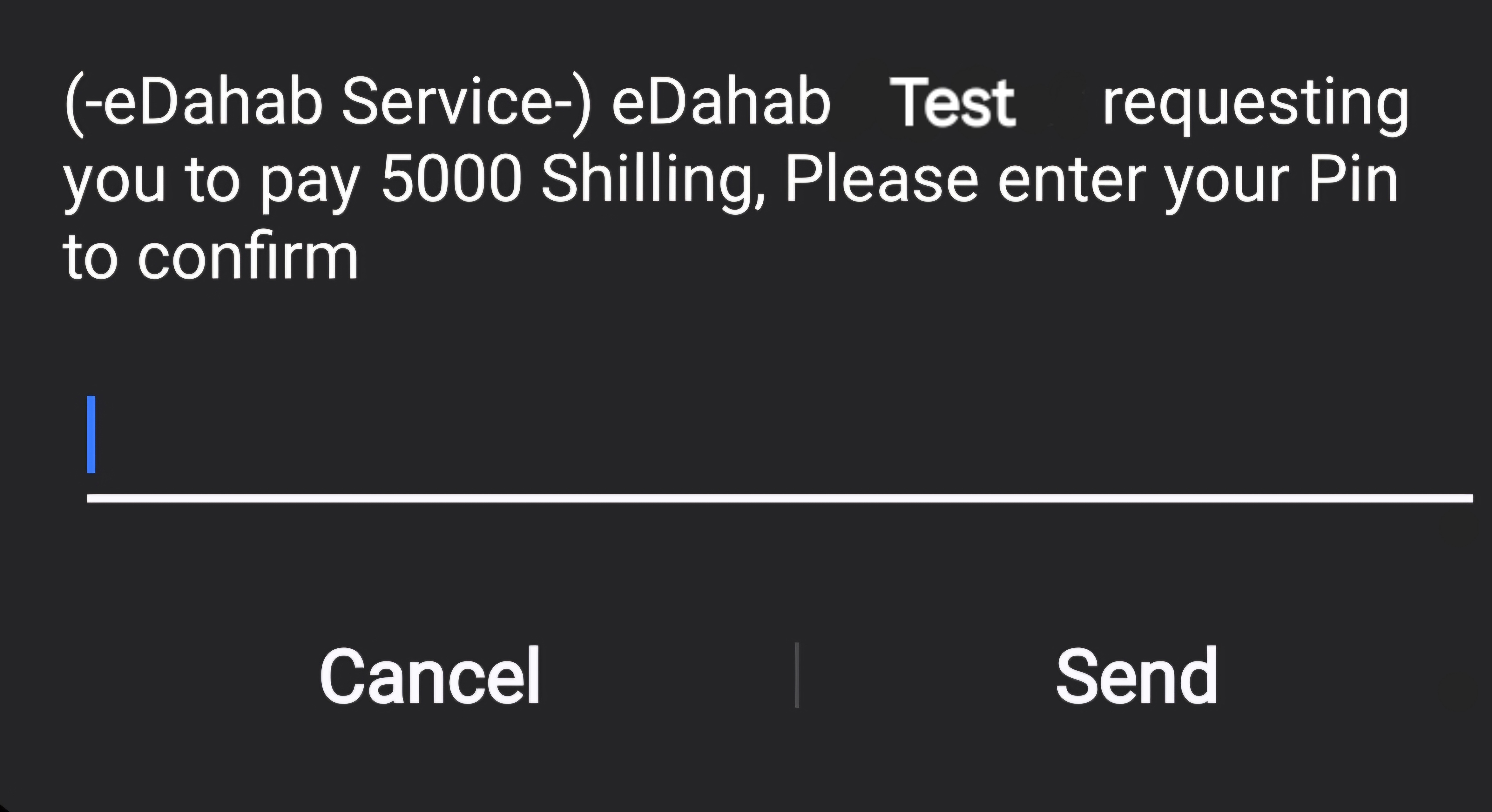
Payment invoices will be sent to customers through push notifications. A pop-up message will be delivered to the customer's phone number, allowing them to review the details such as the amount and company name. Subsequently, customers can enter their eDahab PIN to finalize the payment.
Endpoint
POST /Issueinvoice?hash={{hash}}
Base URL: https://edahab.net/api/api/
Request Body
Creating invoices is the initial step to begin with. These properties are essential for the process:
{
  "apiKey": "your-api-key",
  "edahabNumber": "65",
  "amount": 1,
  "agentCode": "5555",
  "currency": "USD"
}
Request Parameters
- API Key: A unique string provided to you.
- API Secret: A unique string provided to you.
- eDahabNumber: The customer's eDahab number from which the money will be deducted.
- Amount: The specified amount to be charged to the paying customer.
- Agent Code: Identifies the merchant where the money deducted from the customer will be sent.
- Currency: USD or SLSH, with USD being the default.
Example Img
Response Body
{
  "InvoiceStatus": "Paid",
  "TransactionId": "MP260222.1316",
  "invoiceId": "INV123456789",
  "StatusCode": 0,
  "RequestId": 387288,
  "StatusDescription": "Success",
  "validationErrors": null
}
Response Parameters
The properties of the response returned by the eDahab API are as follows:
- InvoiceStatus: Indicates whether the customer has completed the payment or not.
- TransactionId: A unique transactionId from eDahab.
- InvoiceId: It's a unique string that you'll receive only when the StatusCode is 0; otherwise, it remains null.
- StatusCode: It is a number between 0-6, 0 means success.
- RequestId: Unique identifier for the request.
- StatusDescription: Status of the request.
- ValidationErrors: Appears when the request properties had an issue (incorrect type, length, etc.)
note
You only need to check the InvoiceStatus property, which can be "Paid," "Unpaid," or "Invalid". Focus only if the status is "Paid"; otherwise, mark it as "Unpaid."